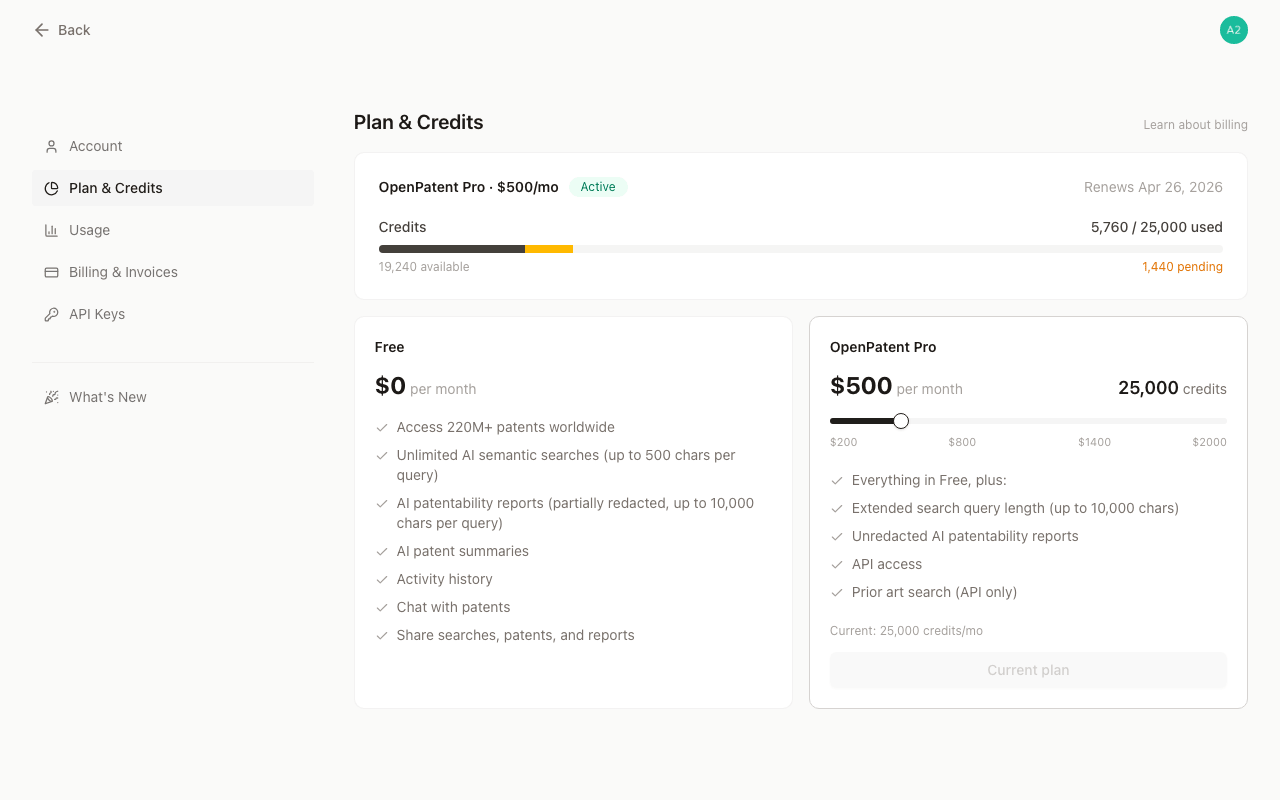
Subscription Credits
Subscription credits are spent in the GoVeda web app, by GoVeda Agent and through the hosted MCP server. Direct REST API requests use a separate API credits balance.
Plan tiers
| Monthly credits | Monthly price | Annual price |
|---|---|---|
| 20,000 | $200 | $2,000 |
| 40,000 | $400 | $4,000 |
| 80,000 | $800 | $8,000 |
| 120,000 | $1,080 (save 10%) | $10,800 |
| 200,000 | $1,700 (save 15%) | $17,000 |
The 120,000- and 200,000-credit tiers include discounts of 10% and 15% respectively against the list price of $0.01 per credit. These five tiers are available for new subscriptions and plan changes. Existing subscriptions on an earlier tier or price keep their renewal terms unless changed.
Annual prices are paid upfront and include two months free on top of any tier discount. You still receive a fresh balance each month rather than all twelve months of credits at once.
Plan credits refresh monthly and do not roll over. On an annual plan, Credits refresh shows your next monthly balance date, while Plan renews shows your next annual payment date.
Add-on credits
Active subscribers can buy additional credits without changing their plan:
- $30 adds 2,000 credits;
- purchases increase in $30 / 2,000-credit steps;
- each purchase expires after 12 months; and
- the credits can be used only while the paid subscription is active.
If a payment becomes past due or your subscription ends, unused Add-on credits stay on your account until they expire, but can’t be used. They become available again after payment succeeds or you reactivate.
Using Subscription credits
The web app shows the credit cost before a paid action. Hosted MCP tools use the same Subscription balance at their own prices, which depend on the tool. See MCP Pricing for every tool.
GoVeda Agent charges for what each task uses: the language model, patent search and reading, web research and workspace time. See Credits & Usage for typical task costs.
The same kind of action can cost a different amount in each channel. Semantic search in the web app is priced by query length (see Query length and credits), while the MCP search tool has a flat price per search (see MCP Pricing).
Checking your balance
Settings › Credits & usage shows your available balance. A Credit sources list appears when you have credits from outside your subscription, such as Add-on credits, or sources that are used up. Used-up sources are grouped under Used credit sources to keep the current balance easy to scan. An account with no credits has no balance to show.