Sample Reports
Sample reports are pre-generated, fully unlocked example reports on real topics. They’re available to everyone with no login or subscription required. Reading a sample is the fastest way to see what a GoVeda report contains before generating your own.
Today, the public sample library covers Novelty Analysis reports only. Samples for FTO and Patent Landscape reports are coming soon.
Each sample is available in 7 languages (English, Chinese, Japanese, Korean, French, German, and Spanish). The version you see follows your browser or app language.
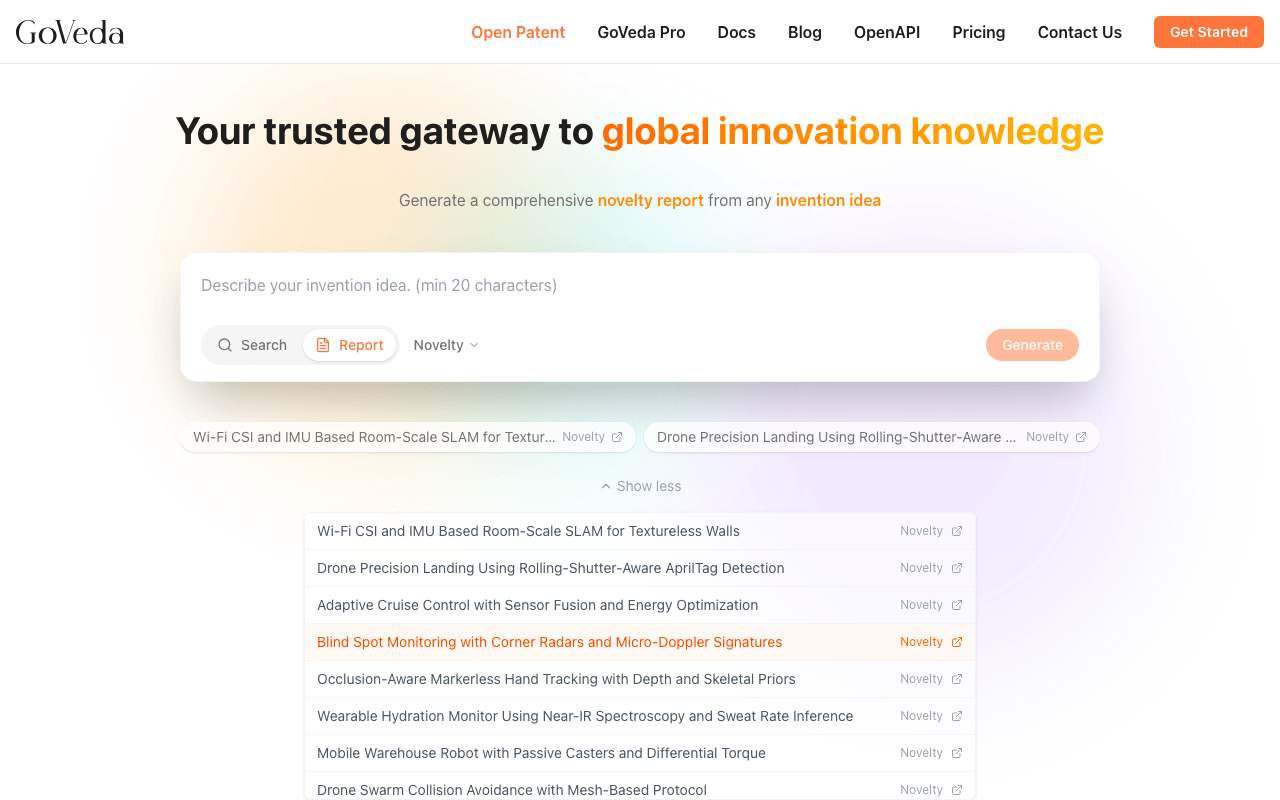
Available samples
The list updates as we add new examples. A few representative ones:
Novelty: wearable health monitoring with on-device ML on ECG data
Smartwatch Atrial Fibrillation PredictionNovelty: optical engineering for smartphone cameras
Periscope Telephoto Zoom Lens SystemNovelty: distributed ledger in fashion supply chain
Blockchain Traceability for Textile IndustryMore Novelty samples are added over time. The current list is shown on the GoVeda home page when the input is in Search or Report mode.
How to access sample reports
Go to the home page
Go to the GoVeda home page.
Find the samples section
Look for the Sample Reports or Try a Sample section.
Open a sample
Click any sample to open it.
Novelty samples are also accessible directly by URL — no login required: https://www.goveda.com/report/sample-1, https://www.goveda.com/report/sample-2, https://www.goveda.com/report/sample-3.
What you can do with a sample report
Sample reports are fully unlocked. You can read every section, including the full Prior Art Analysis, patent citations, and expanded patent cards. All patent identifiers and links are visible.
You can also:
- Export the sample as a PDF (no login required)
- Browse linked patents from within the report
You cannot send a sample report to email or create a share link for it, since samples are already publicly accessible.
Walking through a sample
When you open a sample, start with the Executive Summary. It gives the patentability verdict and the core reasoning in one read. This shows you the tone and depth of GoVeda’s analysis.
Next, scroll to the Query Analysis section. The Novelty Features table shows how GoVeda broke the invention description into discrete features. This is the structure underlying the Prior Art Analysis.
Then expand a few patent cards in the Prior Art Analysis. Click a card header to expand it and read the Relevant Excerpts, Technical Overlaps, Key Differences, and Novelty Feature Analysis. This per-patent breakdown is what distinguishes a GoVeda report from a simple patent search.
Finally, review the Patent Citations section at the bottom to see the formatted reference list.
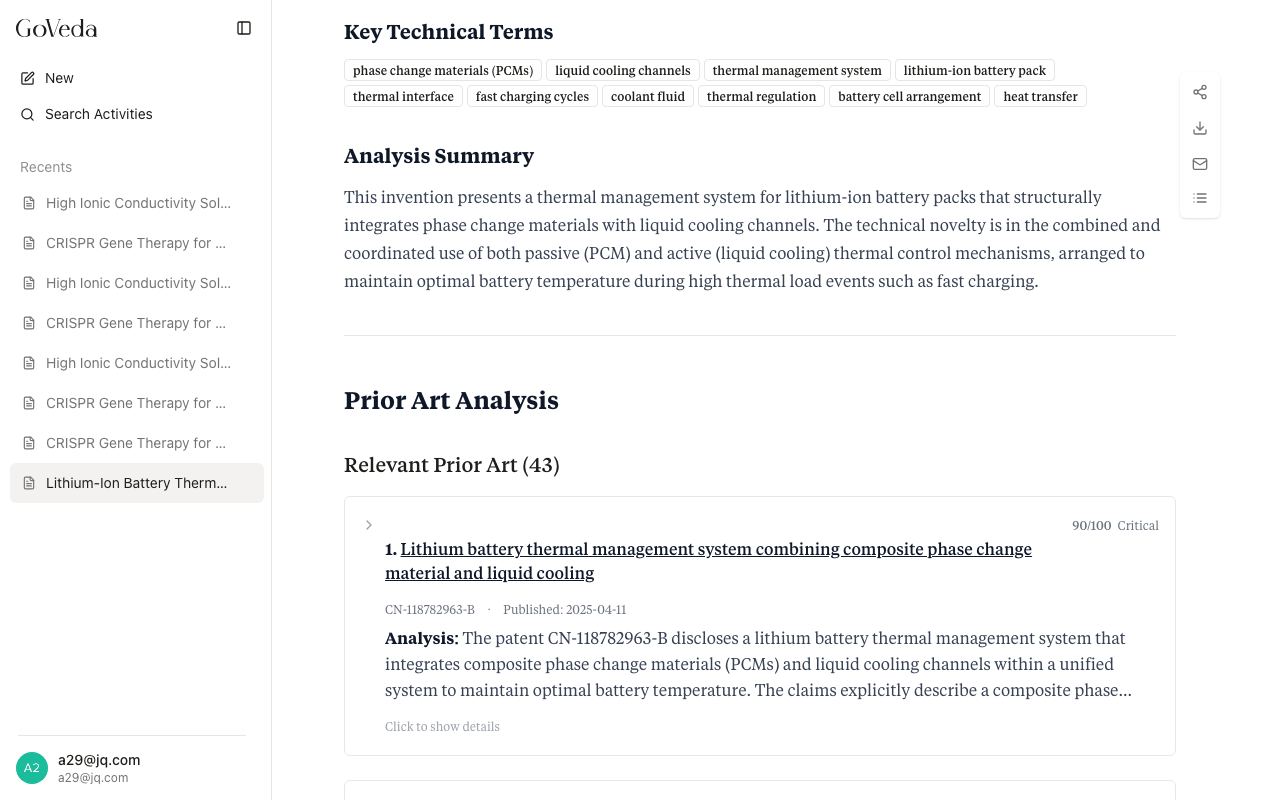
Generating your own report
Once you have explored a sample, generating your own report works the same way. Switch to Report mode in the search interface, enter your invention description, and click Generate.
See Patentability Report for step-by-step instructions.