FTO Report
A Freedom to Operate (FTO) analysis asks a different question than a patentability search. Instead of “is my idea novel?”, FTO asks: can I make and sell this product without infringing someone else’s active patent?
GoVeda’s FTO Report is now available in Beta with full access for all accounts (Free and Pro alike). It produces a multi-chapter report with risk assessment, claim charts, and design-around suggestions across up to 51 jurisdictions.
Beta — FTO is in active development. Coverage and chapter structure will keep changing. Send feedback to info@goveda.com.
If you’re new to FTO as a concept, start with FTO Fundamentals, a plain-English primer.
When to run an FTO
Common situations:
- Before launching a product in a new market
- During due diligence on an acquisition
- When evaluating a licensing offer
- Entering a technology space with many active filers (pharmaceuticals, semiconductors, etc.)
FTO vs. Novelty vs. Landscape
GoVeda offers three report modes, and people regularly mix them up. Quick reference:
| Novelty | FTO | Landscape | |
|---|---|---|---|
| Question | Is my idea new? | Will making/selling it infringe? | What’s everyone doing in this space? |
| Looks at | All historical prior art | Currently enforceable patents | All filings in scope |
| Time scope | Forever (everything published) | Today’s active rights | A defined window |
| Geography | Global | Per-jurisdiction you select | Per scope |
| Risk if wrong | Application rejected | Lawsuit, injunction, damages | Wrong strategic call |
| Best for | ”Should I file?" | "Should I ship?" | "Where should we play?” |
A novel invention can still infringe a third-party patent, and a non-infringing product may not be patentable. The analyses answer different questions.
How to run an FTO Report
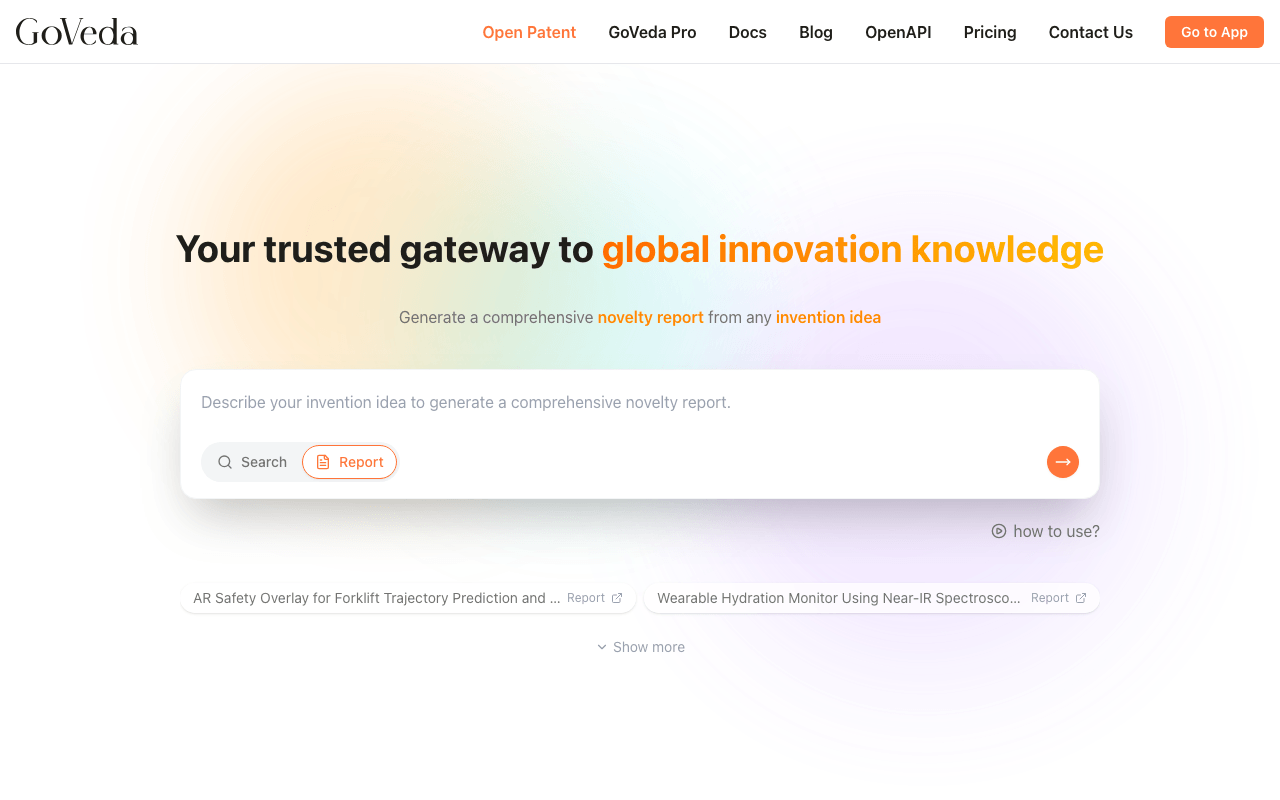
Switch to Report mode
On the GoVeda home page, switch the input to Report mode (mode selector at the bottom of the search bar).
Pick FTO
Open the report-type selector and choose FTO (marked with a Beta badge).
Describe the product
Describe what you plan to make or sell. The more concrete the better. Material composition, structural components, manufacturing method, intended use, and operating parameters all give the analysis more to work with.
You can attach product documents (up to 5 files, 50 MB total) for richer context.
Fill in the intake card
Instead of asking one question at a time, GoVeda presents a single card with the details it needs. Required fields are marked with a dot (●); the rest are optional but sharpen the analysis.
| Field | Required | What it does |
|---|---|---|
| Product Type | ● | Sets the technical framing for the search. Picked from a list (Device/Hardware, Medical Device, Software/IT, Method/Process, and so on) |
| Marketing / Sales Jurisdictions | ● | Which patent offices get searched |
| Analysis Trigger | Why you’re running this: launch, funding round, litigation threat | |
| Commercialization End Date | How long you’ll commercialize | |
| Client Information | Context about who the analysis is for | |
| Exclusions | Patents or parties to leave out | |
| IPC/CPC Codes | Narrows the search when you already know the classification |
Anything GoVeda can read from your description is pre-filled. If you already named your jurisdictions, that field arrives filled in. If you set a commercialization end date, it must be today or a future date.
After you submit the card, GoVeda may ask for missing technical detail in the chat. Add the requested detail there before continuing.
Submit and wait
FTO reports are heavier than searches. Expect several minutes of processing.
Progress stays in the chat rather than sending you to a separate page, and the report streams in chapter by chapter as each section is ready. You can leave and come back. Reopening the session mid-generation returns you to the same progress card. GoVeda emails you when the report finishes or fails, so you don’t have to sit on the page.
The completed report is named after the product you described, so it’s easy to find later in your history.
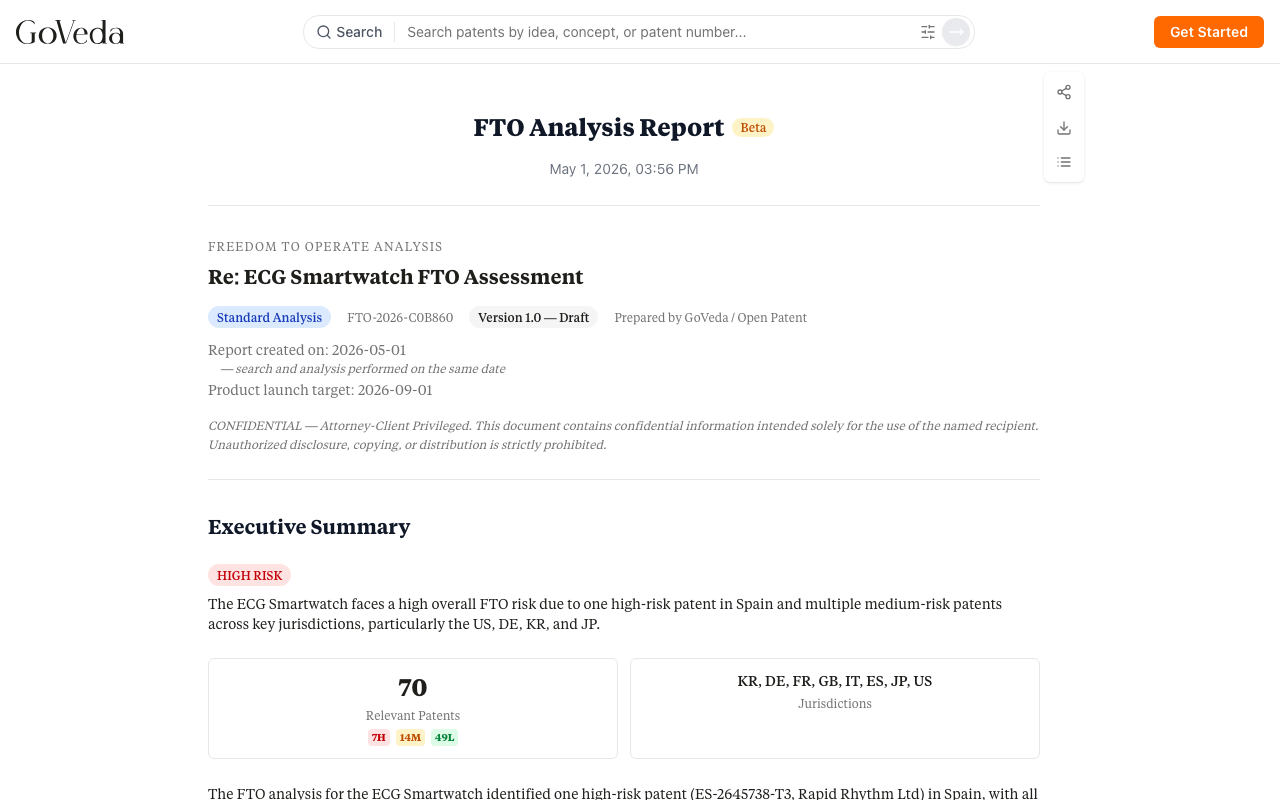
What’s in the report
A typical FTO report has 14 chapters. The most important ones to read first:
Executive Summary. The overall risk picture and the patents that matter most.
Risk Heatmap. A matrix view of every retained patent against technical overlap and performance impact. Lets you spot the high-risk filings at a glance.
Identified Patents. Each retained patent with key metadata, status, and which product features it implicates.
Claim Charts. The core analytical output: per-claim, per-element comparison between the patent and your product. Each row shows whether the element is met, partially met, or not met.
Design-Around Suggestions. For high-risk patents, suggested engineering changes that would step outside the claim. Grouped by Now / Next / Last Resort based on feasibility.
Conclusions and Disclaimers. What you should and shouldn’t conclude from the report, with attorney-reviewed legal language.
What’s covered
- Up to 51 jurisdictions (US, EP, CN, JP, SG, KR, DE, GB, and more)
- Granted patents and pending applications
- PCT (WO) applications still in their national-phase entry window
- EP member-state validity (via INPADOC)
- US Patent Term Adjustment (where USPTO data exists)
- Per-claim element analysis on every retained patent
- Risk ratings (high / medium / low / insignificant)
- Design-around suggestions for high-risk patents
- PDF export with full claim charts and risk assessment
For the full coverage matrix and known limits, see FTO Fundamentals → What an FTO report covers.
Multilingual input
Like other GoVeda reports, you can describe your product in any language. The report is generated in your app language if it’s supported (English, Chinese, Japanese, Korean, French, German, or Spanish), otherwise English. The output language follows your app locale at the time you submit.
Description check
GoVeda checks whether your description contains enough technical substance for an FTO analysis. There is no character-count gate in the home-page input. If the description is understandable but too general, complete the intake card first and then answer the agent’s targeted follow-up questions in the chat. Text that cannot be understood as a product description is returned for revision before the intake card appears.
The check is specific to the product. A mechanical product is not penalized for omitting material composition when it is irrelevant, and a software product is not asked how it is manufactured.
No credits are charged for rejected reports.
Disclaimer
GoVeda FTO reports are produced by AI for informational purposes only. They do not constitute legal advice. Final infringement determinations are made by courts. Acting on the report without attorney review carries legal risk. The report itself ships with 15 numbered legal disclaimers covering the major caveats.
Next steps
- FTO Fundamentals. Plain-English background on FTO concepts.
- Sample Reports. See real examples.
- Reading a Report. How to interpret the output.