Account
Account settings keep your profile, plan, usage, invoices, and API access in one place.
Accessing settings
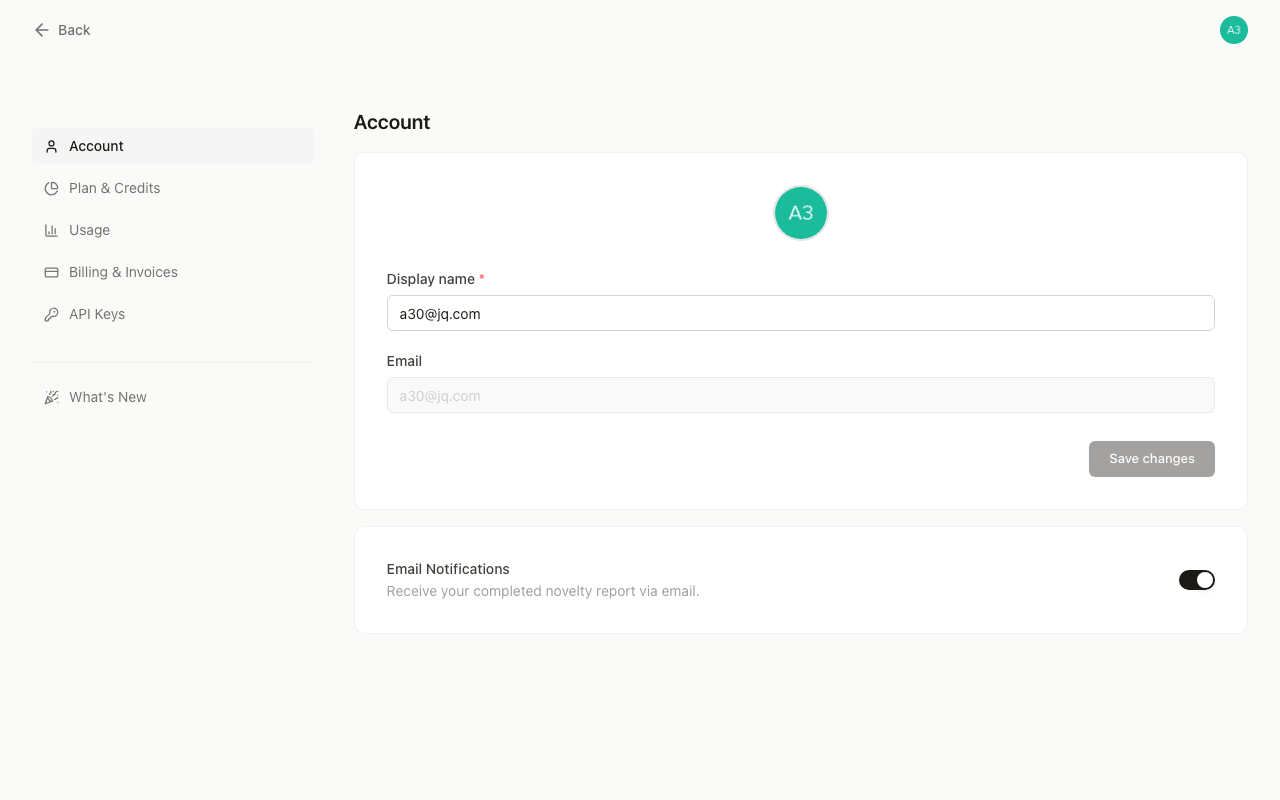
Go to https://www.goveda.com/settings (or click your avatar in the top-right corner and select Settings). The sidebar has five destinations:
| Section | What it does |
|---|---|
| Account | Edit your display name and avatar, reset your password, and toggle email notifications |
| Plan & Credits | View your subscription, web and MCP credits, and Add-ons |
| Usage | Browse a time-filtered, paginated log of every operation that consumed credits |
| Billing & Invoices | View invoices, payment status, and access the Stripe customer portal |
| API Management | Create API keys and manage your independent API Credit balance |
Credits
Web and hosted MCP activity uses Subscription Credits. Direct API activity uses API Credit. You can check each balance from its settings page.
Next steps
Last updated on